 1 / 5
1 / 5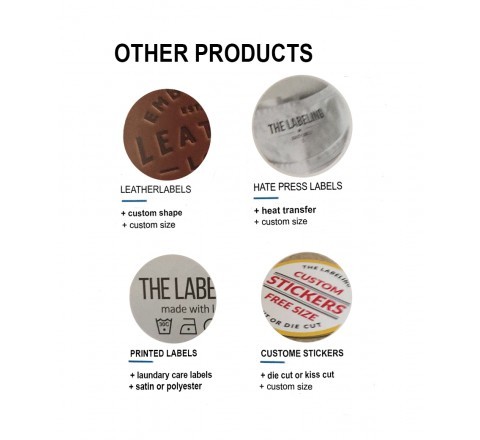
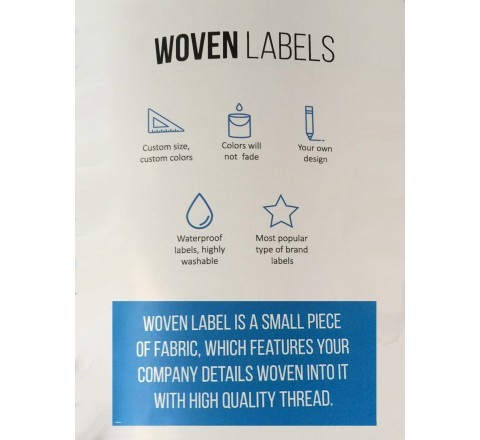
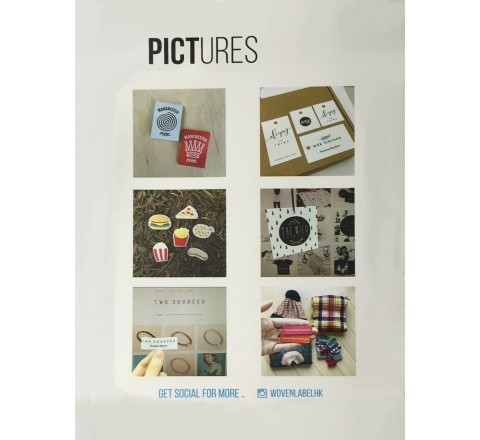
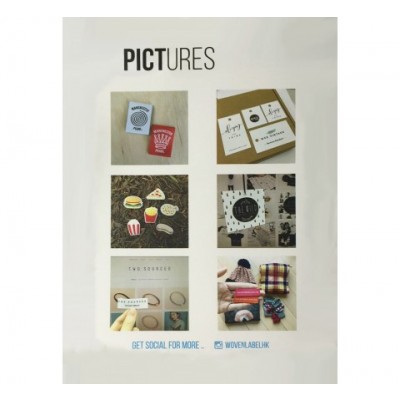
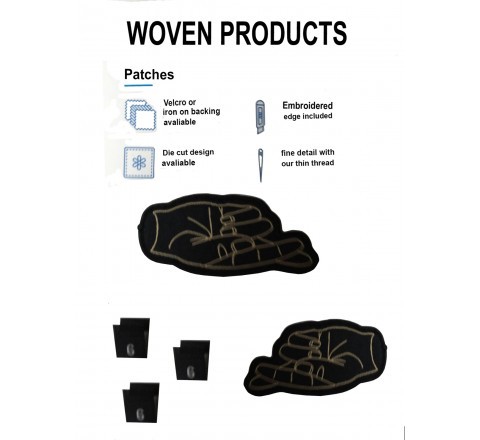
Photos show this style and other woven labels we print.
Die Cut Woven Labels
Order die cut woven labels cut around the outline of your design. Free design support, a PDF proof to approve before printing and free shipping.
- Shape
- Die cut (follows your outline)
- Size
- Made to your measurements
- Material
- Recommended for your surface in the quote
- Artwork files
- .cdr or .eps in CMYK (PDF accepted for a first look)
- Free shipping
- Free design support
- No die or plate charges
- PDF proof first
Questions about this style? Call +61 2 8520 3915
About Die Cut Woven Labels
Specifications
| Shape | Die cut (follows your outline) |
|---|---|
| Size | Made to your measurements |
| Material | Recommended for your surface in the quote |
| Artwork files | .cdr or .eps in CMYK (PDF accepted for a first look) |
| Resolution | 300 dpi |
| Bleed | 3mm on all sides |
| Cut line | 1mm black line marking the die-cut zone |
| Proof | PDF proof to approve before printing |
Full artwork requirements are in the artwork guide.
Questions about this style
How is the shape of die cut woven labels set up?
Die cut means the blade follows the outline of your design, so there is no square border around it. Mark the cut line with a 1mm black line on a white background, or ask for the free design support to draw it.
How should I size the artwork for die cut woven labels?
Give the finished size in millimetres and add 3mm bleed on every side. For a 50mm x 90mm sticker, supply the file at 56mm x 96mm and keep text away from the edges, because the bleed is trimmed off when the stickers are cut.
Which file formats work for die cut woven labels?
Send .cdr or .eps files set up in CMYK at 300 dpi. A PDF is fine for a first look. If you do not have the original files, the free design support can prepare the artwork with you.
How to order
- Request a quote with the size, quantity and your artwork.
- Approve your PDF proof. Printing starts only after you confirm it.
- We print and ship with free shipping.